

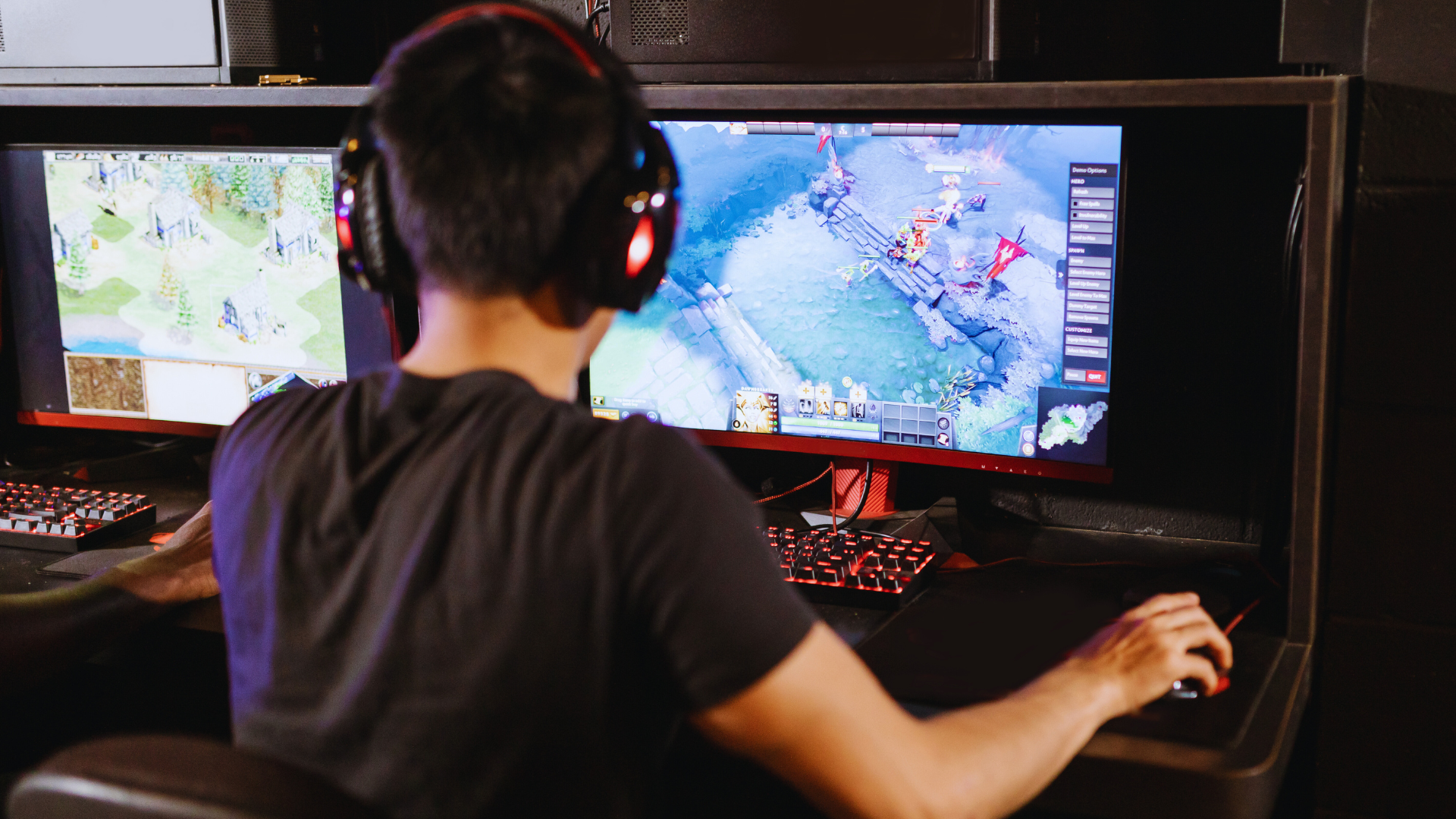
Starting with PC games can feel overwhelming due to the huge variety available. The best PC games for beginners are those with simple controls, clear objectives, and a gradual learning curve. These games help new players build skills without frustration.
This list includes popular titles across different genres that provide an accessible entry point for newcomers. Whether you enjoy puzzles, strategy, or casual gameplay, there is something designed to ease you into the gaming world.
What Makes a PC Game Beginner-Friendly
Beginner-friendly PC games focus on ease of use, clear mechanics, and accessibility. These games avoid unnecessary complexity, so new players can quickly understand and enjoy the experience. Performance on most computers without upgrades is also an important factor.
Simple Controls
Simple controls are essential for beginners. Games with intuitive keybindings or minimal input combinations reduce the learning curve. Using common inputs such as WASD for movement and mouse clicks for actions is standard.
Games that avoid complex combos, quick reflex demands, or multiple control layers help new players focus on gameplay rather than mastering controls. Customizable controls also benefit beginners by letting them adjust keybindings to their comfort.
Clear prompts and tutorials on controls further ease the start and help players feel confident. Controls that are consistent across game modes or levels prevent confusion and promote skill retention.
Accessible Gameplay
Accessible gameplay means the game’s rules, objectives, and challenges are easy to understand and fair. Beginners benefit from clear goals, guided progression, and adjustable difficulty settings.
Design elements like gradual difficulty increases, helpful hints, and forgiving penalty systems prevent frustration. Games that reward experimentation and exploration without harsh punishments encourage learning.
Mechanics should avoid overwhelming complexity. For example, turn-based or puzzle games with logical steps can be ideal. Accessibility also includes visual clarity, readable text, and straightforward UI layouts that avoid clutter.
Low System Requirements
Low system requirements make the game playable on a wide range of computers, including older or less powerful models. This expands accessibility for beginners who might not have top-tier hardware.
Games optimized for moderate CPU and GPU performance, with adjustable graphics settings, allow smooth gameplay without lag. Minimal RAM and disk space needs are important as well.
Ensuring compatibility with common operating systems like Windows 10 or 11 and avoiding software conflicts supports a hassle-free experience. Lightweight games also launch quickly and maintain stable frame rates during play.
Top Genres for Beginner PC Gamers
Certain game types offer straightforward mechanics and approachable learning curves, making them ideal for new players. These genres emphasize clear goals, manageable challenges, and progressively increasing difficulty.
Puzzle and Casual Games
Puzzle and casual games focus on problem-solving and relaxing gameplay. Beginners benefit from clear instructions and simple controls. Titles like Portal, Candy Crush Saga, and The Room provide gradual difficulty increases that build critical thinking without overwhelming players.
These games often feature short levels or sessions, encouraging frequent breaks and reducing frustration. Visual cues and hints support learning, allowing players to improve at their own pace. This genre improves pattern recognition and decision-making skills, which transfer well to other game types.
Platformers
Platformers require timing and coordination but generally maintain simple mechanics. Classic examples like Ori and the Blind Forest and Celeste offer compelling storytelling with intuitive controls. Beginner-friendly platformers start with easy jumps and obstacles, introducing complexity slowly.
Level progression is linear or semi-linear, helping players track their improvement. Many platformers provide checkpoints and life systems that reduce the penalty for failure. This genre hones reflexes and spatial awareness, essential skills for more complex games.
Simulation Titles
Simulation games replicate real-world activities with varying complexity, perfect for beginners interested in exploration and creativity. Games like The Sims, Stardew Valley, and Planet Zoo focus on management and building rather than fast reflexes.
These titles allow players to experiment with different strategies in low-pressure environments. Tutorials and tooltips guide players through mechanics, while sandbox modes encourage exploration without strict objectives. Simulations develop planning and multitasking skills useful in many game genres.
Best PC Games for Total Beginners
These games offer simple controls, clear goals, and gradual learning curves that ease new players into gaming. Each provides a different style of gameplay, from relaxed creativity to logical problem-solving.
Stardew Valley
Stardew Valley is a farming simulation game that combines exploration, crafting, and social interaction. New players benefit from its slow pace and forgiving mechanics, which encourage learning by doing.
Players start with a rundown farm and gradually improve crops, animals, and tools. The game includes fishing, mining, and building relationships with townsfolk, each feature explained clearly during play. The interface is user-friendly, and difficulty is adjustable through gameplay choices.
The open-ended nature allows beginners to set their own goals while enjoying a rewarding sense of progress. Tasks have clear visual feedback, so mistakes are easy to identify and correct without frustration.
Minecraft
Minecraft is a sandbox game known for its creativity and simple mechanics. Players gather resources, build structures, and explore a blocky world with minimal pressure to achieve specific goals.
The game’s survival mode introduces basic concepts like health, hunger, and crafting. Controls are straightforward, with a helpful tutorial and community guides available. Creative mode removes survival challenges, ideal for those who want to focus purely on building.
Minecraft’s visual style helps beginners recognize resources and items quickly. The low-stakes environment encourages experimentation, making it accessible and fun for new gamers.
Portal 2
Portal 2 is a first-person puzzle game centered on using a portal gun to solve spatial challenges. It offers clear, logical puzzles that reinforce critical thinking and spatial awareness step-by-step.
The game’s story mode starts with simple test chambers and ramps up difficulty gradually. Tutorials integrated with gameplay explain mechanics without overwhelming players. Visual cues guide players on where to place portals.
Portal 2’s controls and objectives are explicit, minimizing confusion. The humor and narrative add engagement without complicating gameplay, making it a solid choice for beginners who enjoy puzzles.
Multiplayer Games That Welcome New Players
Games that ease new players into multiplayer experiences often offer simple mechanics, clear objectives, and supportive communities. Accessibility and teamwork-focused gameplay make these titles ideal for beginners looking to enjoy multiplayer without steep learning curves.
Among Us
Among Us is a social deduction game where players work together to complete tasks on a spaceship while trying to identify impostors. The controls are straightforward, relying mainly on point-and-click actions and simple movement, making it easy for newcomers to pick up.
The core gameplay encourages communication and teamwork. Players learn to observe, discuss, and strategize, which fosters engagement without requiring technical skills. The game supports cross-platform play and short sessions, which accommodate casual gamers and help new players get comfortable quickly.
Rocket League
Rocket League combines soccer with fast-paced vehicular action, featuring intuitive controls that players can master incrementally. The mechanics are easy to understand: drive a rocket-powered car and hit the ball into the opponent’s goal, but skillful play adds depth.
Matches are typically 5 minutes long, keeping gameplay quick and engaging for beginners. The game includes tutorials and training modes that help new players practice shooting, dribbling, and defending. Its ranking system allows players to gradually face opponents of similar skill, reducing frustration during the learning phase.
Story-Driven Games with Easy Learning Curves
These games combine engaging narratives with simple controls and gameplay mechanics. Players can focus on the story without struggling with complex inputs or advanced skills.
Life Is Strange
Life Is Strange is a choice-based adventure game focused on character development and consequences. The gameplay involves exploration, dialogue choices, and time manipulation, which is straightforward and intuitive.
The story follows Max, a teenager who discovers she can rewind time. Players make decisions that affect outcomes, encouraging multiple playthroughs to see different results.
Controls are simple: movement, interaction, and dialogue selection. There is no time pressure, allowing beginners to explore and enjoy the plot at a comfortable pace.
Firewatch
Firewatch is a first-person narrative game set in a Wyoming wilderness. It centers on the dialogue between the protagonist, Henry, and his supervisor, Delilah, delivered through radio conversations.
The gameplay is minimal, focusing on exploration and story progression. The map and objectives are easy to navigate, ensuring players don’t get lost or overwhelmed.
Its strong writing and atmospheric design engage players without requiring technical skill. This makes it ideal for beginners interested in immersive storytelling without complex gameplay demands.
Games That Teach Core PC Gaming Skills
Understanding resource management, exploration, and user interface navigation are vital skill for new PC gamers. These games provide practical experiences in those areas while maintaining approachable gameplay.
Terraria
Terraria combines exploration, crafting, and combat in a 2D sandbox environment. It encourages players to gather resources, craft tools, and build structures, which teaches inventory management and multitasking.
Combat mechanics introduce timing and spatial awareness. The game’s user interface presents crafting menus and inventory slots that require players to organize items efficiently. Learning how to balance exploration with preparation helps players develop strategic thinking.
Terraria’s open-ended nature means players set their own goals, promoting problem-solving without pressure. This flexibility is ideal for beginners aiming to build foundational skills in PC gaming.
The Sims 4
The Sims 4 emphasizes management of characters, environments, and emotional states. Players interact with a detailed UI that requires precise mouse control and clicking. This hones basic hand-eye coordination and interface navigation.
The game demands planning to meet Sims’ needs, finances, and relationships. Players learn to prioritize tasks and allocate limited resources effectively.
Simulating real-life scenarios also teaches patience and long-term strategy. The Sims 4 is a strong choice for newcomers to practice time management and multitasking in a relaxed setting.
Tips for Choosing the Right PC Game as a Beginner
Choosing the right PC game involves balancing challenge, interest, and support. Understanding difficulty levels, your preferences, and the available community can guide you to a satisfying gaming experience. These aspects help ensure the game matches your skill and enjoyment levels.
Evaluating Game Difficulty
Difficulty varies widely across genres and titles. Beginners should look for games that offer adjustable difficulty settings. This flexibility allows gradual skill improvement without frustration.
Games with clear tutorials or beginner modes are preferable. These features introduce mechanics step-by-step, preventing overwhelm. Also, games that reward patience and practice are ideal for learning curves.
Pay attention to user reviews focused on difficulty. They reveal whether a game is accessible or requires advanced skills. Avoid games described as “grindy” or “punishing” early on, as they may discourage new players.
Considering Personal Preferences
Interest in game themes and mechanics affects engagement. Reflect on what types of stories, settings, or playstyles appeal to you. For example, exploring calm puzzle games is different from fast-paced shooters.
Check if the gameplay style matches your reaction time, attention span, and availability. Turn-based games or simulators may suit those preferring slower, thoughtful play, while action games fit players who enjoy reflex challenges.
Review game visuals and audio samples. The aesthetic atmosphere can significantly impact enjoyment. Choose a game that holds your attention visually or narratively to stay motivated through learning curves.
Checking Community Support
An active community can provide valuable help for beginners. Look for forums, Discord channels, or Reddit groups dedicated to the game. These platforms offer guides, tips, and social interaction.
Multiplayer games with welcoming players or new player matchmaking systems enhance the experience. Avoid titles known for toxic or overly competitive communities that create a hostile environment.
Developer support also matters. Games receiving regular updates and bug fixes tend to provide smoother onboarding and better long-term enjoyment. Check the frequency of patches and community engagement from the development team.
How to Get Started with PC Gaming
Getting started with PC gaming requires assembling the right equipment, choosing the right software platforms, and deciding on initial games to try. Knowing which hardware fits your needs, learning how to navigate game stores, and exploring cost-effective free games can help you build a smooth entry into gaming.
Setting Up Your Hardware
Start by ensuring your PC meets the minimum specifications for the games you want to play. Important components include a dedicated graphics card, sufficient RAM (8GB or more recommended), and a modern CPU. You’ll also need a reliable internet connection for downloads and updates.
For peripherals, invest in a good mouse and keyboard tailored for gaming. A monitor with at least a 60Hz refresh rate enhances gameplay visuals. Don’t overlook comfortable seating and proper lighting, as long sessions require a setup that prevents fatigue.
Keep your drivers updated and optimize your system settings for gaming performance. Many games have recommended specs you can check before purchase to avoid hardware bottlenecks.
Using Popular Game Platforms
Steam, Epic Games Store, and GOG are industry-standard platforms for purchasing and managing PC games. Steam offers a large library, frequent sales, and community features like reviews and forums. Epic Games Store provides exclusive titles and free games regularly.
Creating an account on these platforms unlocks features such as game libraries, cloud saves, and automatic updates. Learning how to navigate store pages, wishlist titles, and use search filters will streamline finding games suited to your interests.
Installing the platform client is the first step and usually involves following on-screen instructions. Once installed, you can browse categories like genres or user ratings to discover games.
Exploring Free-to-Play Options
Free-to-play games offer a no-cost way to experience PC gaming. Titles like Fortnite, Warframe, and League of Legends provide substantial gameplay without upfront purchases. These games often feature microtransactions but allow full enjoyment without spending money.
Joining free-to-play games helps beginners learn controls and game mechanics while connecting with online communities. Many of these games include tutorials and beginner-friendly matchmaking to ease new players into competition.
Try multiple free games to find genres or styles you enjoy before investing in paid titles. Be aware of in-game purchases, and set limits if you want to avoid extra spending.